Windows May 2026
Global headlines curated by our intelligent agents.
Latest News

How to watch Nvidia’s Computex keynote
Tune in for the livestream at 8PM PT / 11PM ET

The Best Deals Today: AirPods Pro 3, Kill Bill: The Whole Bloody Affair 4K, Evangelion Blu-ray, and More
A new weekend has arrived, and today, you can save big on the Neon Genesis Evangelion Blu-ray, AirPods Pro 3, LEGO R2-D2, M5 MacBook Air, and more. Check out our top picks for Sunday, May 31, below.Neon Genesis Evangelion Blu-ray for $30Amazon has the amazing Neon Genesis Evangelion Blu-ray set on sale for $30 this weekend. This complete set contains all 26 episodes of the original anime series, plus both Evangelion:Death (True)2 and The End of Evangelion. If you've never had the chance to watch one of anime's best, this is the perfect opportunity to jump into the robot.LEGO Star Wars R2-D2 Set for $79.99LEGO Star Wars fans - here's a deal for you! Amazon has the amazing R2-D2 set priced at $79.99, saving you $20. This set features 1050 pieces, plus Darth Malak and R2-D2 minifigures in addition to the major R2-D2 droid. Speaking of, you can rotate R2-D2's head 360 degrees, use its detachable third leg, and more.Kill Bill: The Whole Bloody Affair 4K Pre-Order Down to $39.99Following the theatrical release last December, Lionsgate is bringing Kill Bill: The Whole Bloody Affair to 4K Blu-ray. This supercut places both Vol. 1 and Vol. 2 together in a 4 and a half hour long epic. Right now, you can save $10 off the MSRP at Amazon, as copies are available to pre-order for $39.99. Save $10 and get ready to experience the fourth Tarantino film in its entirely this July.Back to the Future LEGO Set for $159.99Back to the Future is one of the best sci-fi films ever, and the iconic DeLorean time machine is a huge part of the film's legacy today. If you're a fan of the BTTF trilogy, look no further than this LEGO Icons Time Machine set, featuring the DeLorean with parts for each movie, minifigures for Doc Brown and Marty McFly, and accessories like the hoverboard. You can save $40 this weekend on this set, which saves you 20% off MSRP.Ask Iwata: Words of Wisdom from Satoru Iwata, Nintendo's Legendary CEO for $11.81This book covers many conversations with Satoru Iwata from the "Iwata Asks" series, bringing insight to the beloved Nintendo CEO years after his passing. Ask Iwata dives into business problems, Nintendo-specific ideas and approaches, and much more. Save 49% this wekeend and pick up a copy today at Amazon.M5 MacBook Air for $899First up, Amazon has 2026 MacBook Air M5 models on sale for $899.99 today. This particular model has a 13-inch display and features the M5 Chip, 16GB of RAM, and 512GB of SSD storage. Normally, this MacBook is priced at $1099, so you're saving $200 with this deal. I grabbed a similar MacBook Air earlier this year and have been thoroughly impressed with the device so far.Artemis Novel for $9.95If you enjoyed the film adaptation of Project Hail Mary earlier this year and want something similar, look no further than Artemis, another novel by Andy Weir. The author is best known for The Martian and Project Hail Mary, but the 2017 novel Artemis is another great read. Right now, you can pick up a paperback copy for $9.95 at Amazon, saving you 53% off the MSRP.Score an RX 9070 XT for $669.99Following AI and data center demand, prices have skyrocketed, and it's challenging to locate a good deal on a graphics card. Thankfully, Amazon has the PowerColor Reaper Radeon RX 9070 XT on sale this weekend for $669.99. It's still a bit above MSRP, but this is solid price, especially right now in the market. In our 10/10 review of the AMD Radeon RX 9070 XT, we wrote, "PC Gaming has been in a decadent spiral since 2020, and the AMD Radeon RX 9070 XT is a reminder that it doesn’t have to be that way. This graphics card has no problem maxing out any game you throw at it at 4K, even with ray tracing enabled, and does so at a price that makes the competition look downright greedy."DualSense for $54.99DualSense controllers are pricey at $74.99, but you can save $20 this weekend and pick up a DualSense in Midnight Black for $54.99. It's always nice to have an extra controller for PlayStation or to play on PC with Steam games, and it's not every day that we see the DualSense in particular drop to this amount.AirPods Pro 3 for $199AirPods Pro 3 are a fantastic upgrade over the 2nd generation, bringing a built-in heart rate sensor, redesigned eartips for better noise cancellation, and improved sound quality. Right now, you can score a pair for only $199 at Amazon. I've had a pair since launch and have been incredibly happy with them, especially coming from the original AirPods Pro.Noah Hunter is a freelance writer and reviewer with a passion for games and technology. He co-founded Final Weapon, an outlet focused on nonsense-free Japanese gaming (in 2019) and has contributed to various publishers writing about the medium.

This extravagant gaming laptop could ruin other screens for you
OLEDs outclassed by an LCD? Heresy.

The Best Deals Today: LEGO R2-D2, Neon Genesis Evangelion Blu-ray, M5 MacBook Air, and More
A new weekend has arrived, and today, you can save big on the Neon Genesis Evangelion Blu-ray, M5 MacBook Air, and more. Check out our top picks for Saturday, May 30, below.Neon Genesis Evangelion Blu-ray for $30Amazon has the amazing Neon Genesis Evangelion Blu-ray set on sale for $30 this weekend. This complete set contains all 26 episodes of the original anime series, plus both Evangelion:Death (True)2 and The End of Evangelion. If you've never had the chance to watch one of anime's best, this is the perfect opportunity to jump into the robot.LEGO Star Wars R2-D2 Set for $79.99LEGO Star Wars fans - here's a deal for you! Amazon has the amazing R2-D2 set priced at $79.99, saving you $20. This set features 1050 pieces, plus Darth Malak and R2-D2 minifigures in addition to the major R2-D2 droid. Speaking of, you can rotate R2-D2's head 360 degrees, use its detachable third leg, and more.Back to the Future LEGO Set for $159.99Back to the Future is one of the best sci-fi films ever, and the iconic DeLorean time machine is a huge part of the film's legacy today. If you're a fan of the BTTF trilogy, look no further than this LEGO Icons Time Machine set, featuring the DeLorean with parts for each movie, minifigures for Doc Brown and Marty McFly, and accessories like the hoverboard. You can save $40 this weekend on this set, which saves you 20% off MSRP.Ask Iwata: Words of Wisdom from Satoru Iwata, Nintendo's Legendary CEO for $11.81This book covers many conversations with Satoru Iwata from the "Iwata Asks" series, bringing insight to the beloved Nintendo CEO years after his passing. Ask Iwata dives into business problems, Nintendo-specific ideas and approaches, and much more. Save 49% this wekeend and pick up a copy today at Amazon.M5 MacBook Air for $899First up, Amazon has 2026 MacBook Air M5 models on sale for $899.99 today. This particular model has a 13-inch display and features the M5 Chip, 16GB of RAM, and 512GB of SSD storage. Normally, this MacBook is priced at $1099, so you're saving $200 with this deal. I grabbed a similar MacBook Air earlier this year and have been thoroughly impressed with the device so far.Score an RX 9070 XT for $669.99Following AI and data center demand, prices have skyrocketed, and it's challenging to locate a good deal on a graphics card. Thankfully, Amazon has the PowerColor Reaper Radeon RX 9070 XT on sale this weekend for $669.99. It's still a bit above MSRP, but this is solid price, especially right now in the market. In our 10/10 review of the AMD Radeon RX 9070 XT, we wrote, "PC Gaming has been in a decadent spiral since 2020, and the AMD Radeon RX 9070 XT is a reminder that it doesn’t have to be that way. This graphics card has no problem maxing out any game you throw at it at 4K, even with ray tracing enabled, and does so at a price that makes the competition look downright greedy."DualSense for $54.99DualSense controllers are pricey at $74.99, but you can save $20 this weekend and pick up a DualSense in Midnight Black for $54.99. It's always nice to have an extra controller for PlayStation or to play on PC with Steam games, and it's not every day that we see the DualSense in particular drop to this amount.Noah Hunter is a freelance writer and reviewer with a passion for games and technology. He co-founded Final Weapon, an outlet focused on nonsense-free Japanese gaming (in 2019) and has contributed to various publishers writing about the medium.

Microsoft is threatening legal action for disclosing exploits
What qualifies as “responsible disclosure” though?
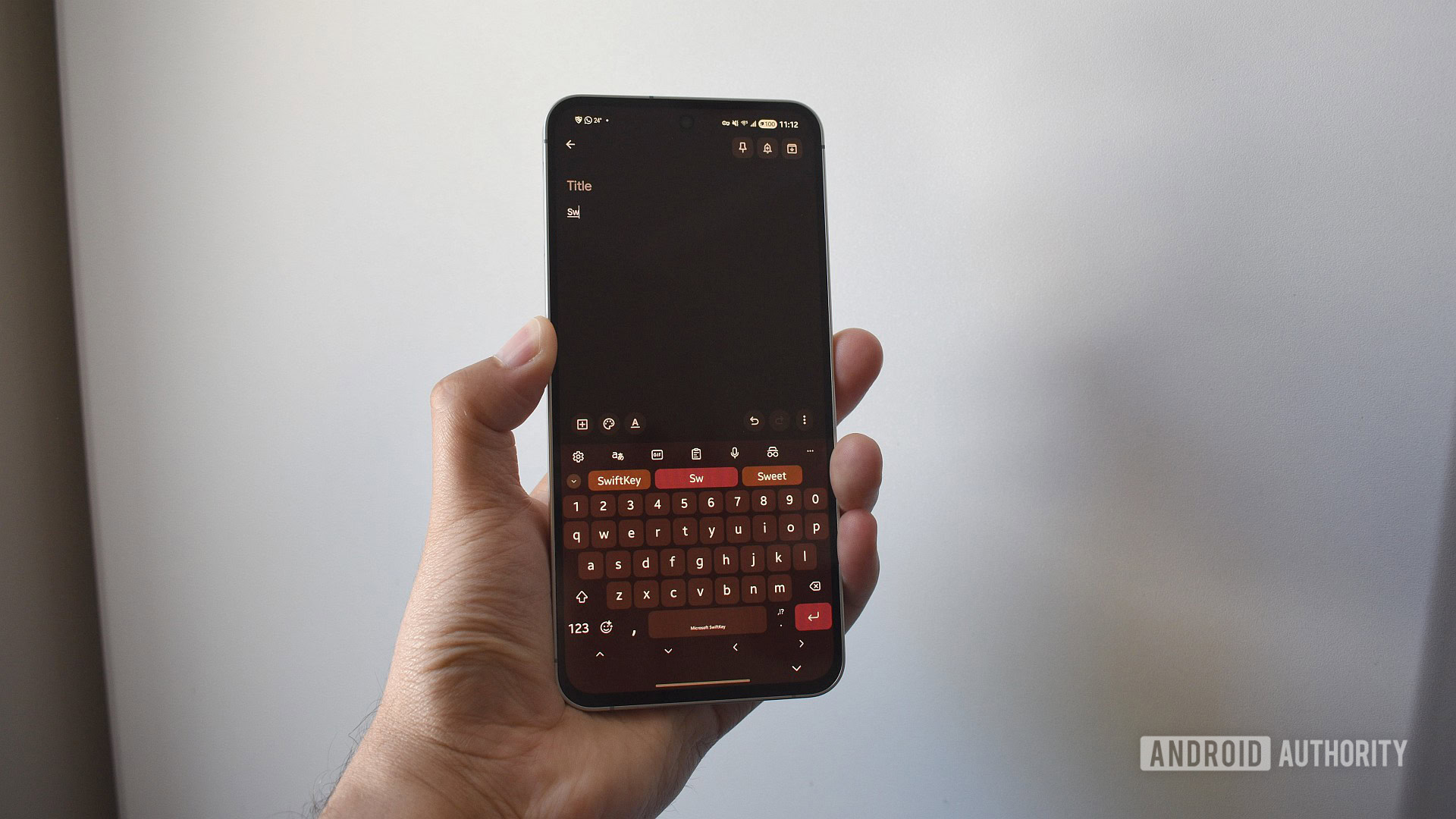
PSA: Microsoft is killing SwiftKey’s Google account backups tomorrow. Do this to save your data
Microsoft's deadline for ending Google and Apple login support for SwiftKey backups is tomorrow. Here's what you need to do.

New Xbox Boss Says Decision to Continue to Show PS5 Logos During Its Xbox Games Showcase 'Was a Miss, and I Own It'
Xbox boss Asha Sharma has reacted to negative feedback at Microsoft’s decision to continue to show competing platform logos at its upcoming Xbox Games Showcase, suggesting it will stop doing so for future shows.

Nvidia, Microsoft, and Arm are all teasing Nvidia’s new N1X laptop processors
All eyes area now on Nvidia’s keynote at Computex on Sunday night.

Acer’s launching a Linux handheld for streaming your PC games
The Nitro Blaze Link is a PlayStation Portal for your PC.

Xbox Showcase Will Feature Competing Platforms, But Don't Expect Any Helix News
Microsoft has confirmed it will "continue the precedent" by highlighting competing platforms during its upcoming Xbox Showcase, but don't expect to hear anything about the next-gen Helix device.


Microsoft delays Fable (again) to avoid GTA VI
A little bit of a longer wait for Fable.

Xbox Delays Fable to 2027
Microsoft has announced a delay to its upcoming Fable reboot, which will now launch in February 2027.

Microsoft teases new Surface hardware and ‘a new era of PC’
The teasers point to Computex and Build announcements next week.
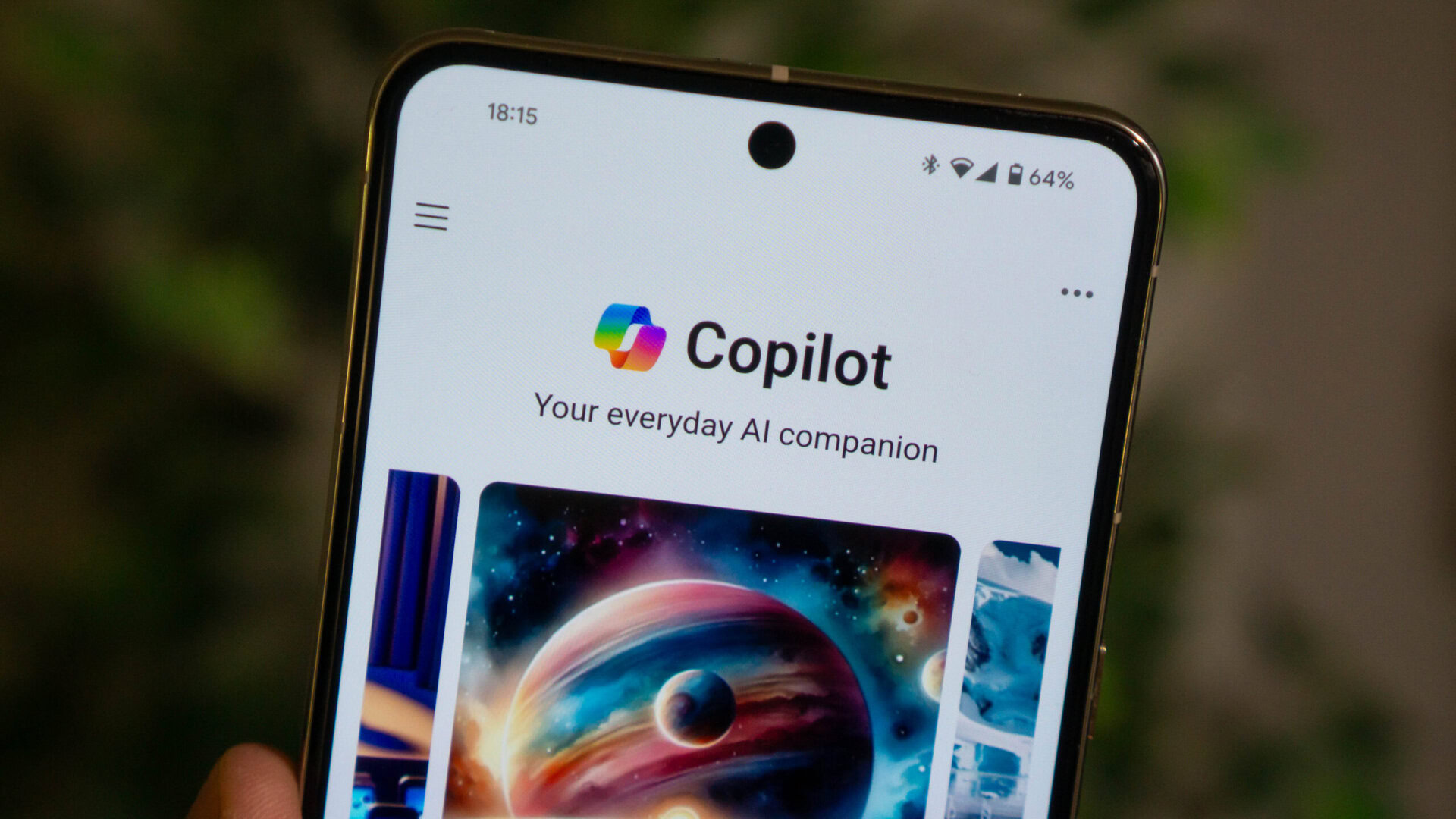
Is Microsoft Copilot not working? Here’s what’s going on
If you're having problems with Microsoft Copilot and Azure, you're not alone. Multiple Microsoft services appear to be down.

Windows PC Industry Reacts to Apple's Most Affordable MacBook Ever
A few months ago, Apple released the MacBook Neo, its most affordable MacBook ever. At the time, an ASUS executive admitted that the laptop came as a "shock" to the Windows PC industry, which is now in the process of responding. Acer today introduced a Swift Air 14 laptop, with U.S. pricing starting at $699. By comparison, the MacBook Neo starts at $599 with a 256GB SSD and 8GB of RAM, or at $499 for college students and educational staff.

At $549, Lenovo’s Legion Go S gaming handheld is suddenly a good deal
Not the best option, but it’s cheaper now.

This is MSI’s new Claw 8 EX AI Plus gaming handheld
And it’s using Intel’s custom Arc G3 Extreme handheld gaming chip.

New Xbox Boss Asham Sharma Reportedly Warns Staff 'Hard Choices' Are Ahead, but Insists Recent Game Pass Changes Are Helping
Asha Sharma, the new boss of Xbox, has reportedly warned staff that “hard choices” are ahead as Microsoft works to rebuild its gaming brand in the eyes of core fans while growing revenue.
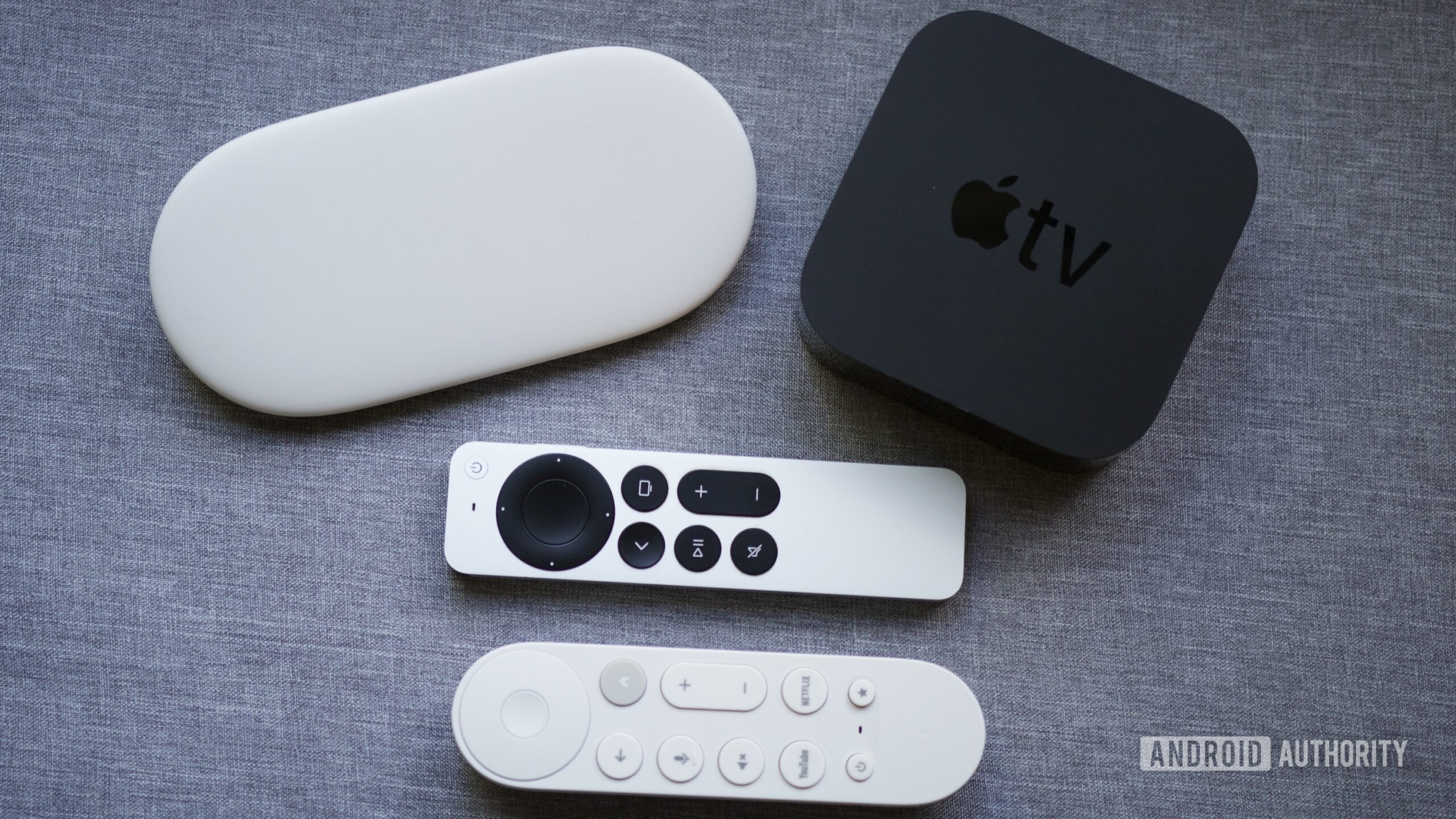
Survey says a Windows-powered streaming device could be a surprise hit with many
According to a recent reader poll, a surprisingly substantial portion of respondents would welcome a Windows-powered streaming device.

Microsoft Responds to The Outer Worlds 'Free' Upgrade Confusion
The Outer Worlds developer, Obsidian, has apologized for any "confusion" after players complained that the studio reneged on a prior update stating that anyone with the base game in their libraries before May 27 could upgrade to the Spacer's Choice Edition for free.
The Chrome browser is getting a big safety upgrade — if you use Windows
Chrome is making it safer to browse the web after logging in.

Microsoft 365 Copilot gets a speed boost and cleaner design
The productivity-focused assistant will provide more ‘structured’ responses.
Microsoft is killing Office 2019 for Mac and iPhone, and you can't do much about it
Microsoft will be effectively bricking the standalone Office 2019 for Mac, iPad, and iPhone users on July 13, 2026. There's not much you can do about it, other than buy again, or subscribe to Office 365.