iPadOS 2025
Global headlines curated by our intelligent agents.
Latest News

iPad Pro & Nintendo Switch 2 are perfect companions with a portable dock
The Nintendo Switch 2 requires a compatible dock to work, and the official one is quite big, but Antank has a functioning dock that works great at a desk and on the go with your iPad Pro.
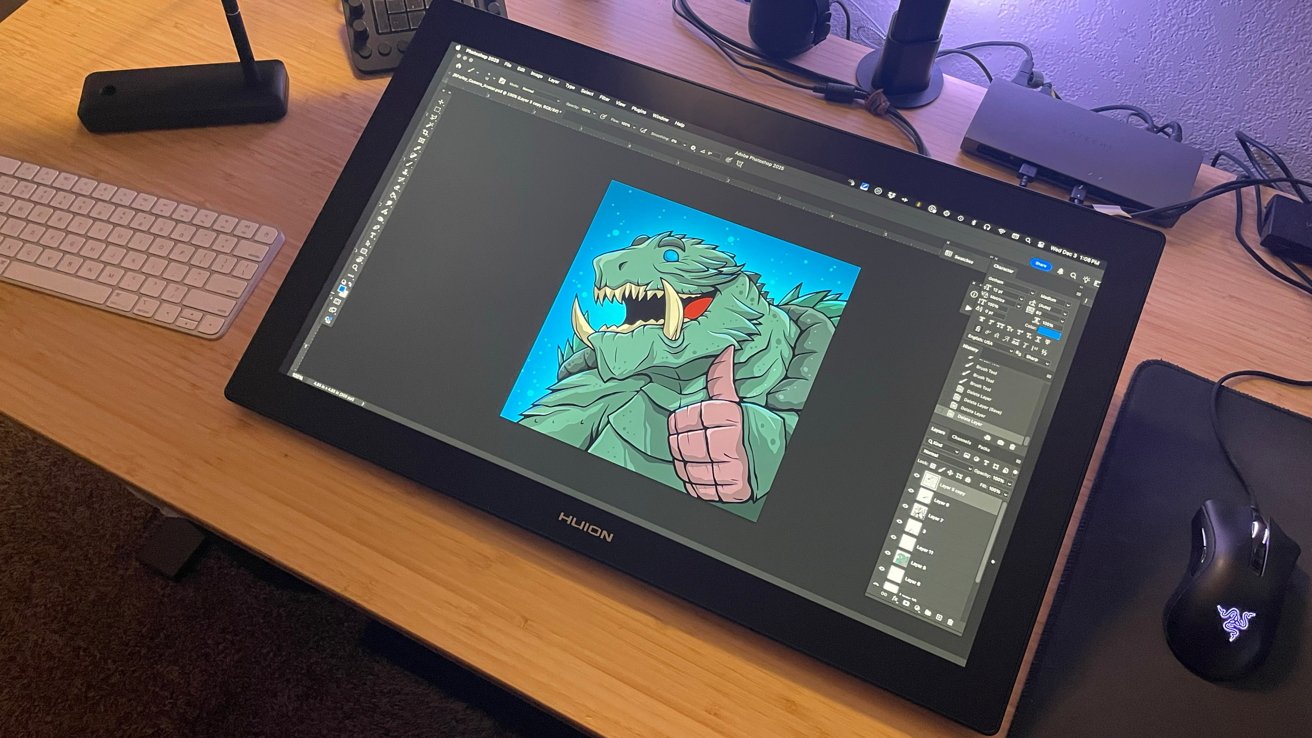
Huion Kamvas Pro 24 (Gen 3) drawing tablet Review: Wacom is in trouble
The third-generation Huion Kamvas Pro 24 is an excellent pen display for digital artists to use while working on their Mac. Wacom should be afraid.
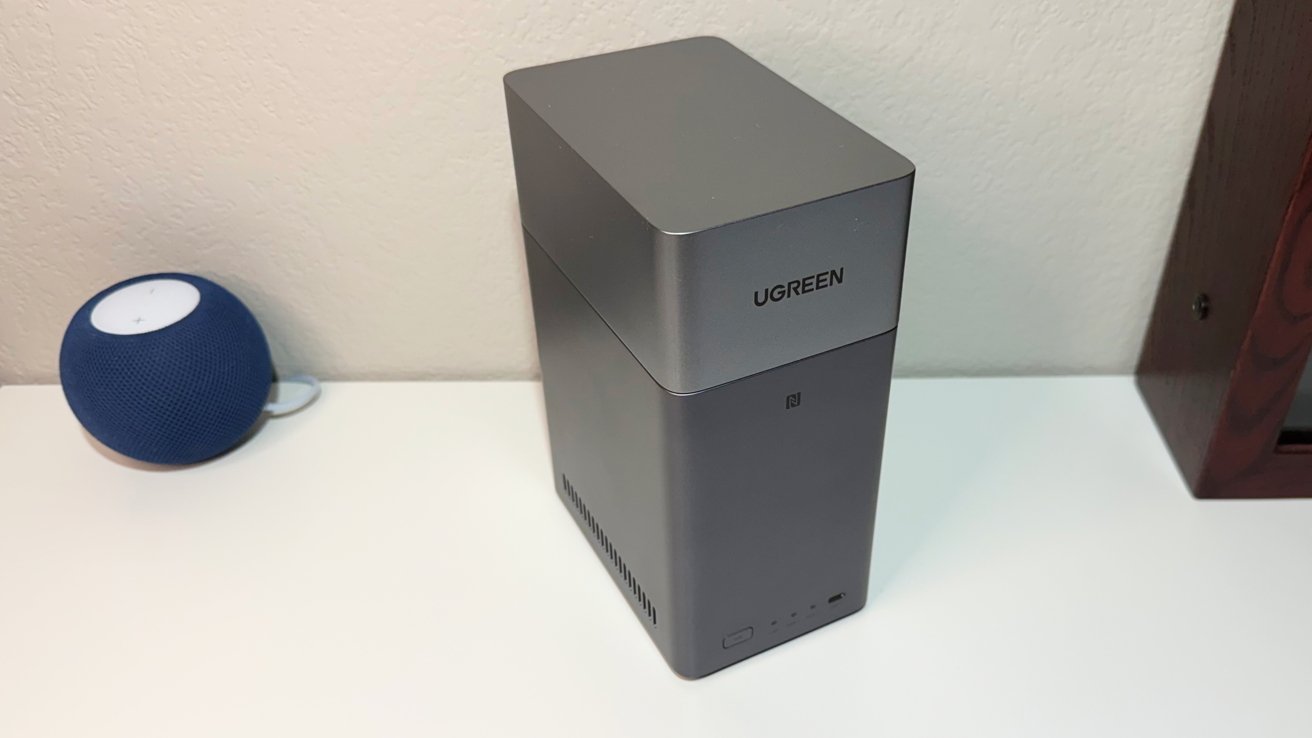
Ugreen NASync DH2300 review: Easily ditch Google Drive and iCloud storage
The Ugreen NASync DH2300 is an excellent starter network attached storage device that's very friendly to Apple owners, but prosumers are better served with the rest of the company's lineup.
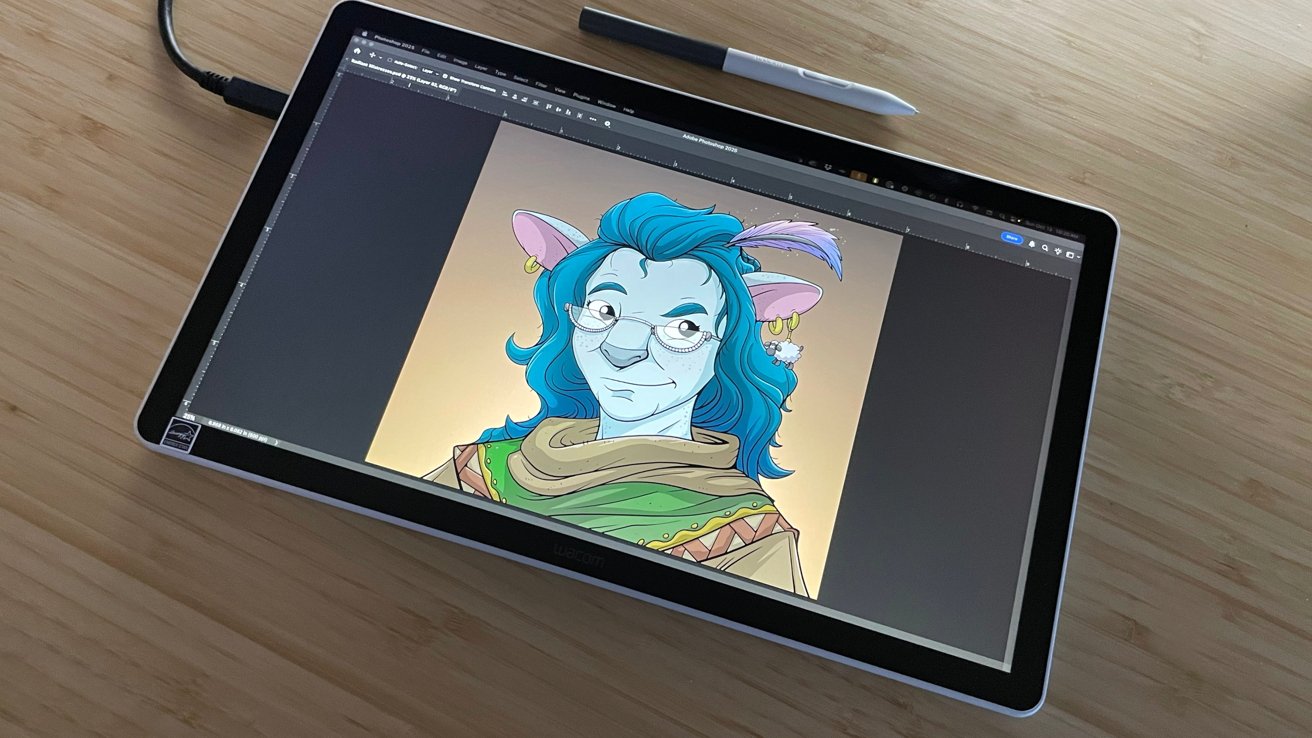
Wacom One 14 Review: Solid hardware, in a crowded market
The Wacom One 14 is a computer-tethered pen display that tries to pull artists away from the iPad, but its solid specifications can't fend off a changing market forever.
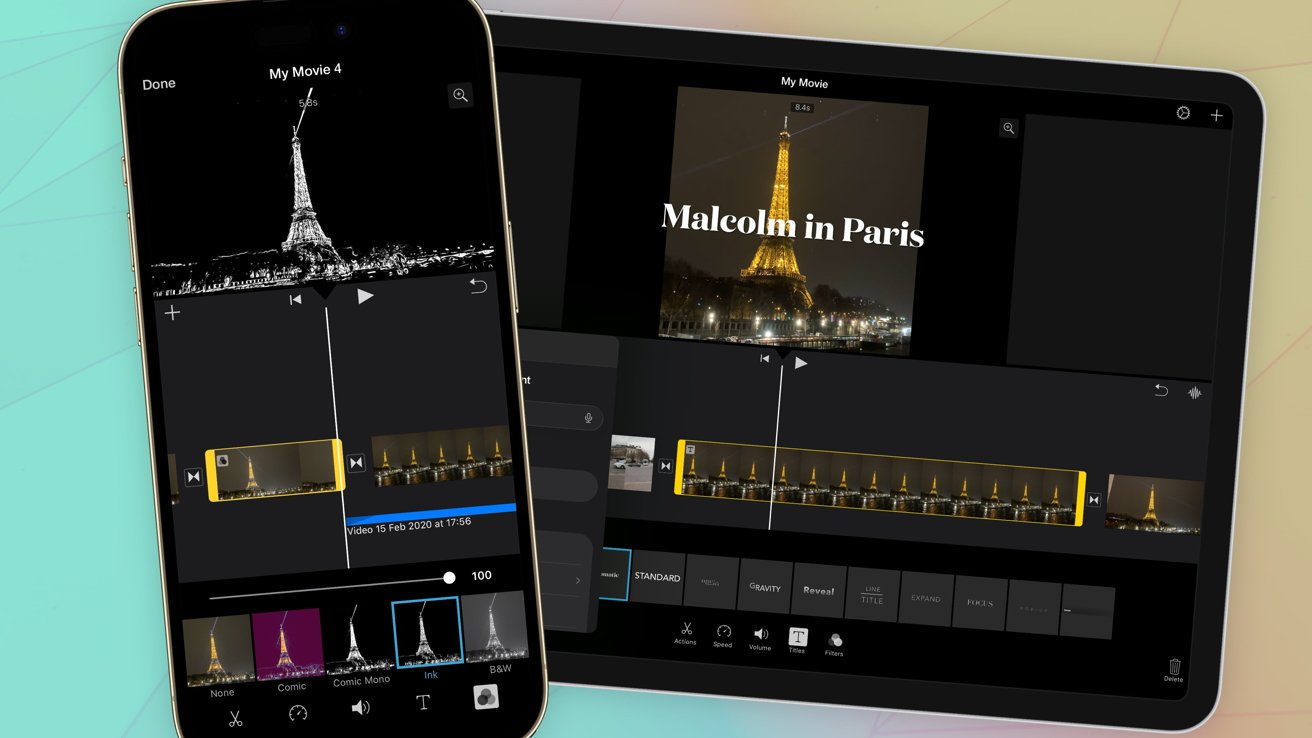
Inside iMovie - How to get started with video editing on iPhone and iPad
Strive to become the next Steven Spielberg ΓÇö or at least make your holiday videos better to watch ΓÇö by using iMovie. Here's how to use it on your iPhone and iPad.
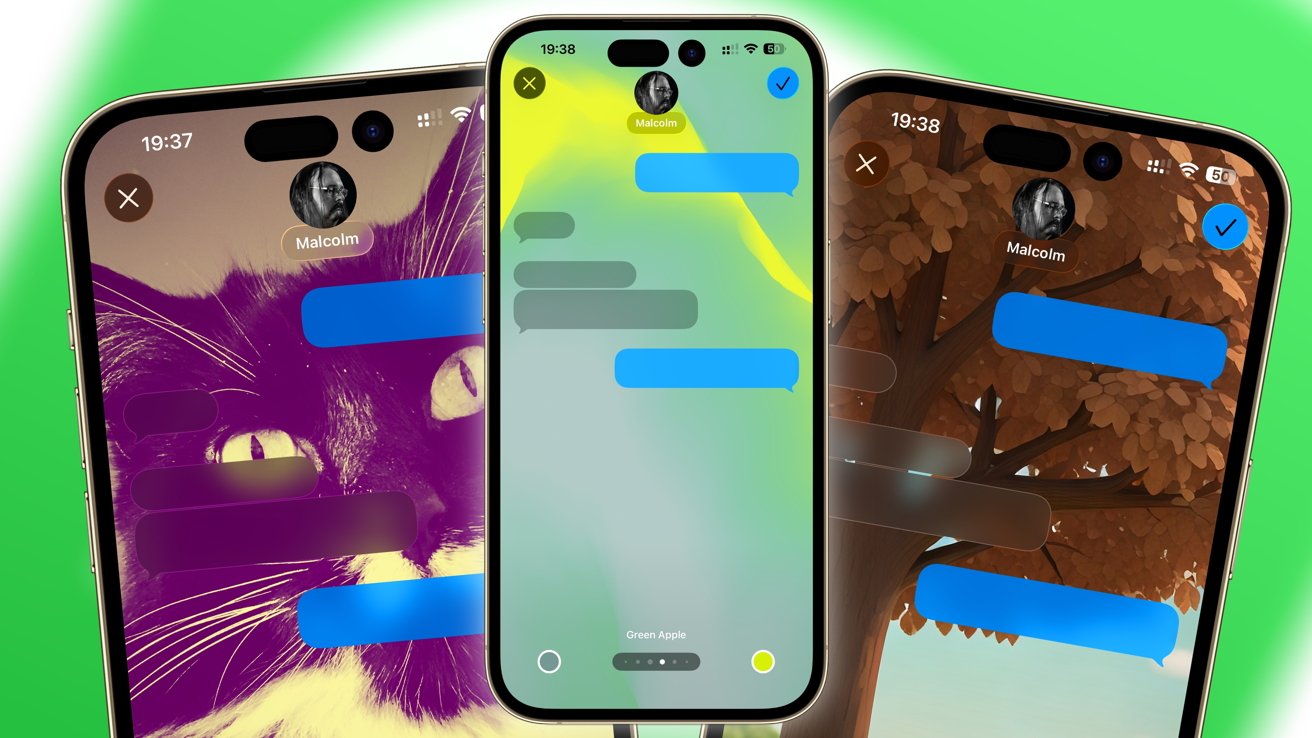
How to change the background in Messages for iOS 26 and iPadOS 26
Bring more life and personalization to your group chats, by adding backgrounds to your conversations in Messages in iOS 26 and iPadOS 26. Here's how to change yours for the better.
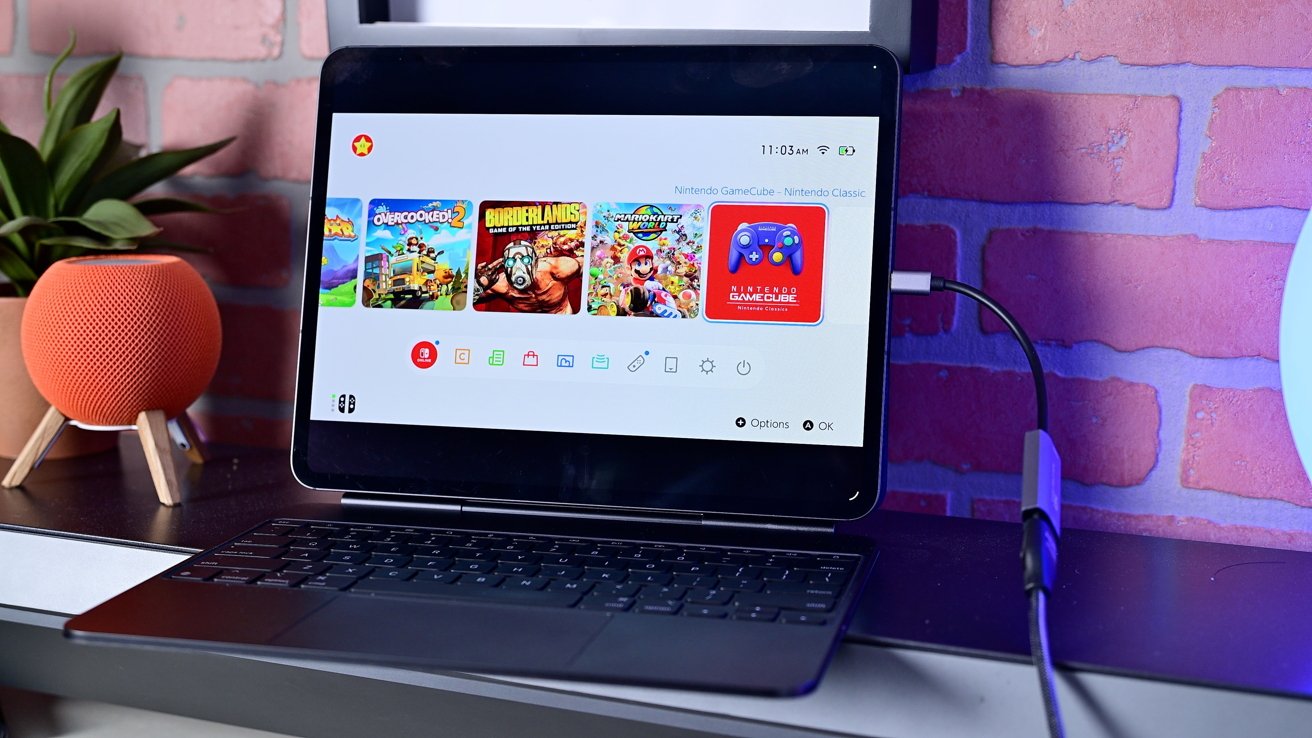
How to use an iPad as a screen for the Nintendo Switch 2
The Nintendo Switch 2 is a massive hit, but its relatively small screen size is still limiting. Here's how to use an iPad as an external display for better gaming.
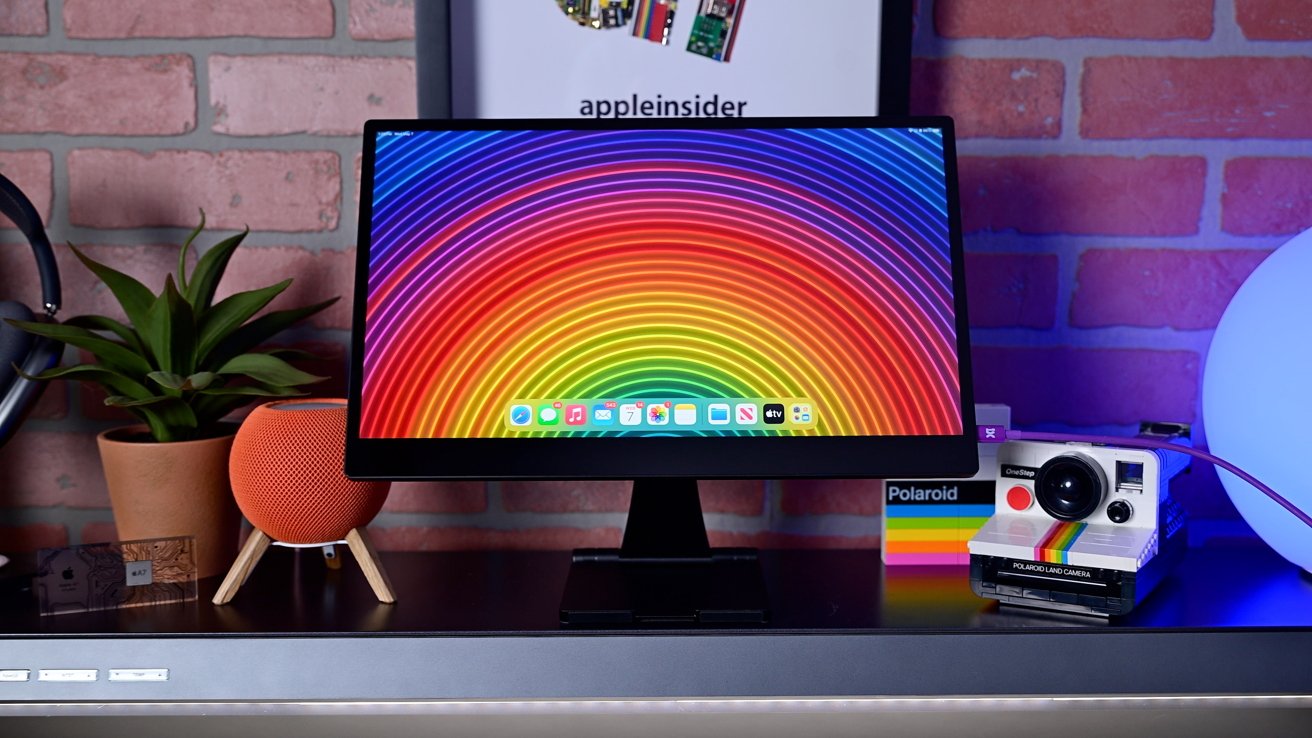
espresso Pro 15 review: The ultimate 4K portable display for Mac & iPad users
If you're on the go a lot, the espresso Pro 15 4K portable display is an indispensable travel companion for iPad and Mac users.
How to troubleshoot Wi-Fi problems on iPhone & iPad
Before you call your internet provider in a panic, here's how to fix your iPhone or iPad's Wi-Fi in just a few steps.
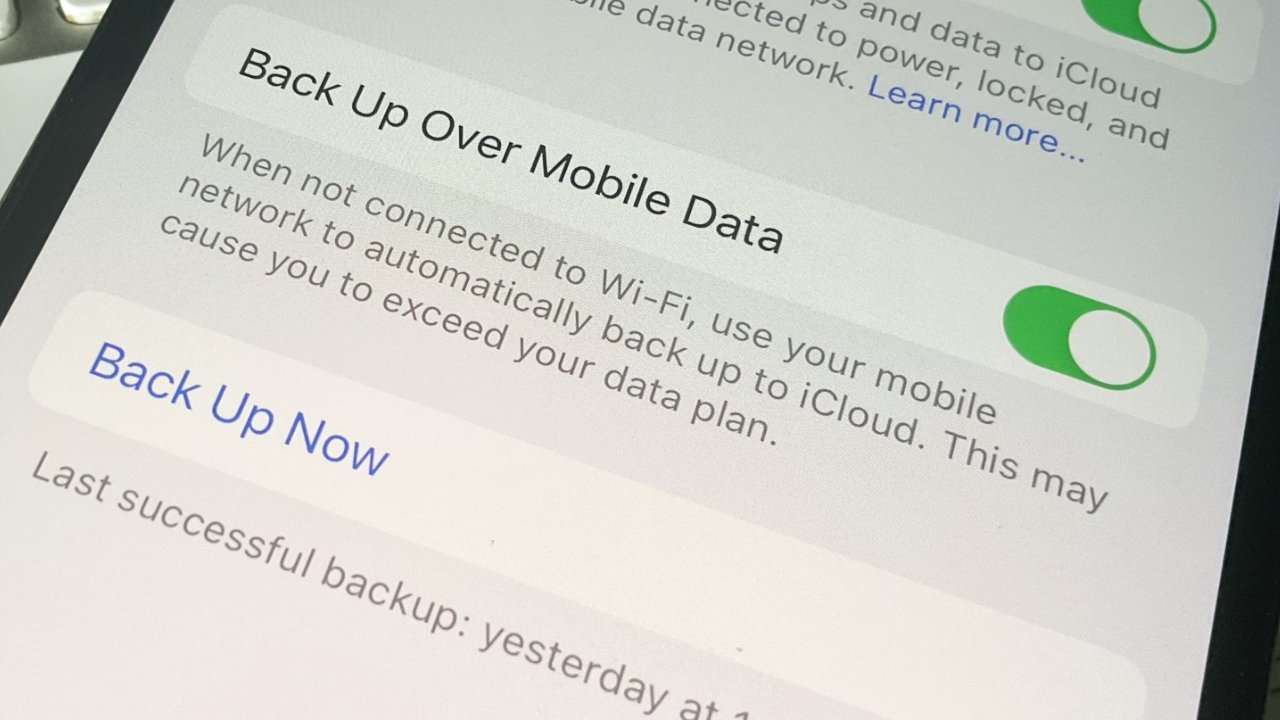
How to backup your iPhone or iPad
It's not enough to just let your iPhone back up to iCloud, not when you need to be sure you won't lose anything important. Here are your options for backing up iOS devices.